Traceability
Trace every batch from origin to buyer
Link batches to the farmers and purchases they came from, follow them through shipments and share a trace page that buyers open from a QR label.
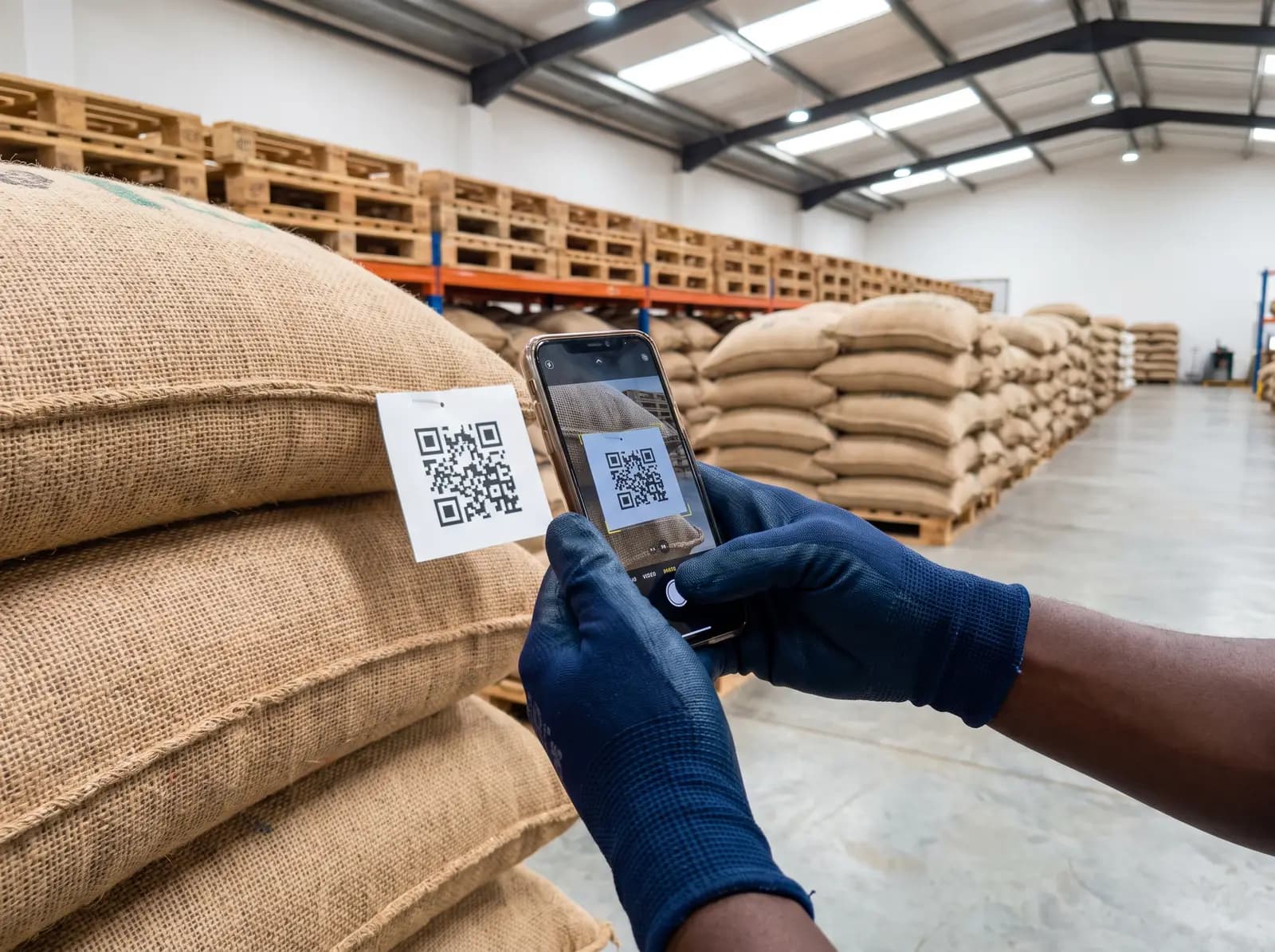
From scattered records to one shared picture
Today
Once produce is bulked, nobody can say which farms it came from.
With Famunera
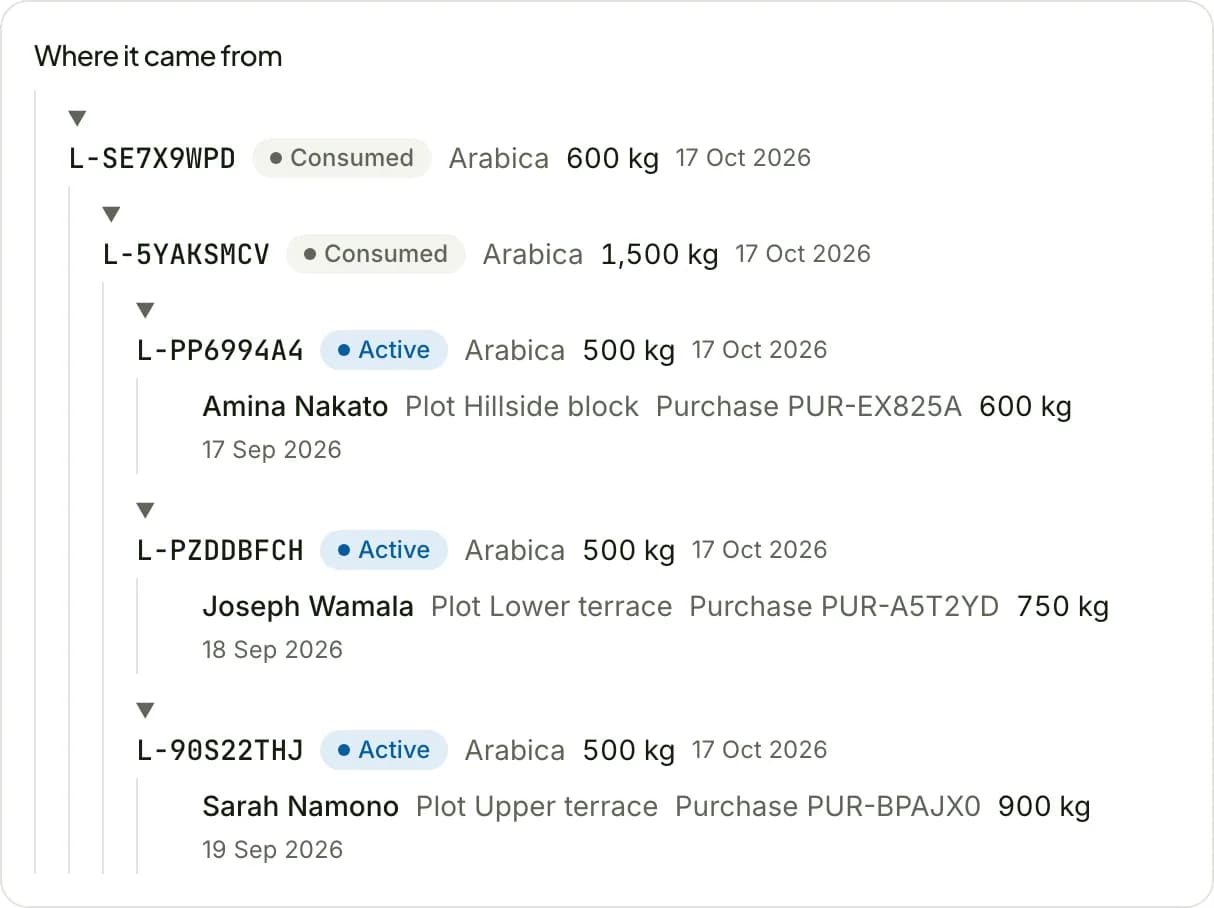
Each batch keeps its lineage back to the purchases and farmers behind it.
Today
Shipment details are pieced together from emails when a buyer asks.
With Famunera
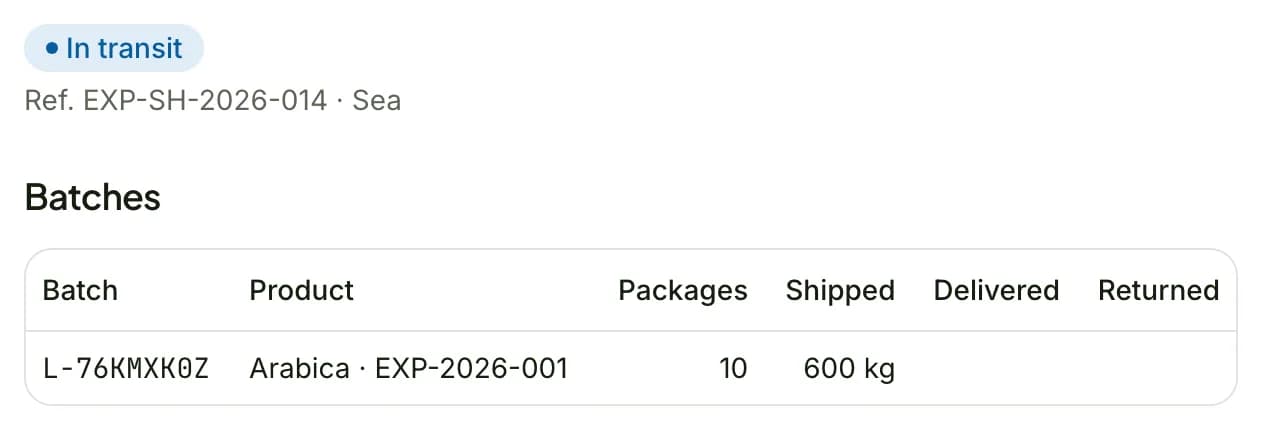
Each shipment lists its batches, containers and documents in one record.
Today
Buyers ask for proof of origin and certificates over and over.
With Famunera
A QR label opens a public trace page with what you choose to share.
What you can do with Traceability
Build batches from purchases, then split and merge them without losing the trail back to the farm.
- Batches built from recorded purchases
- Split and merge batches, with lineage kept
- Processing, sorting and packaging recorded as events
Group batches into shipments with their containers, routes and documents.
- The batches and quantities in each shipment
- Shipped to a marketplace order or to one of your customers
- The bill of lading and other shipping documents on the shipment
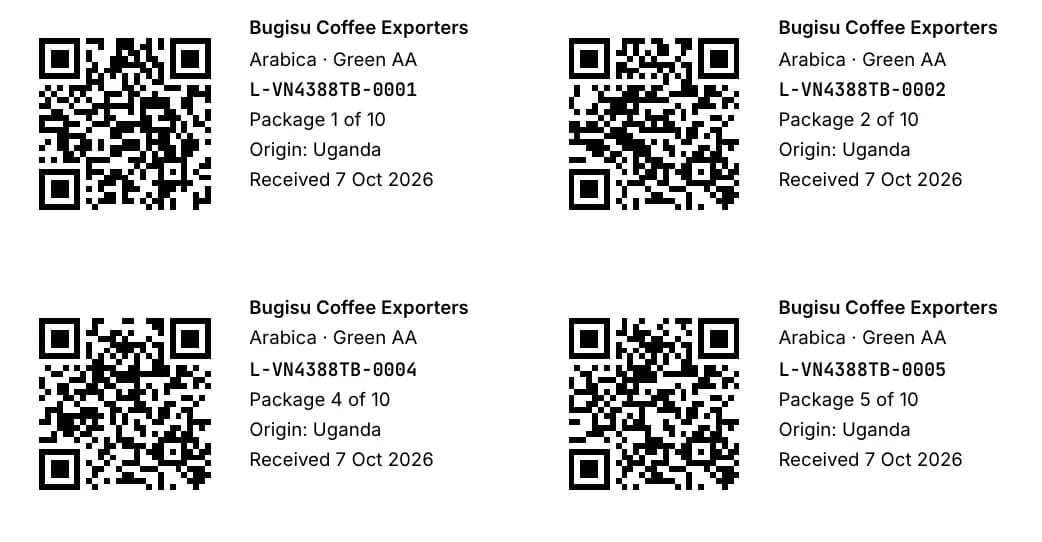
Print a QR label for each package of a batch. Anyone who scans it sees the trace page you publish.
- Printable QR labels for every package of a batch
- A public trace page that works on any phone
- You decide which details the page shows
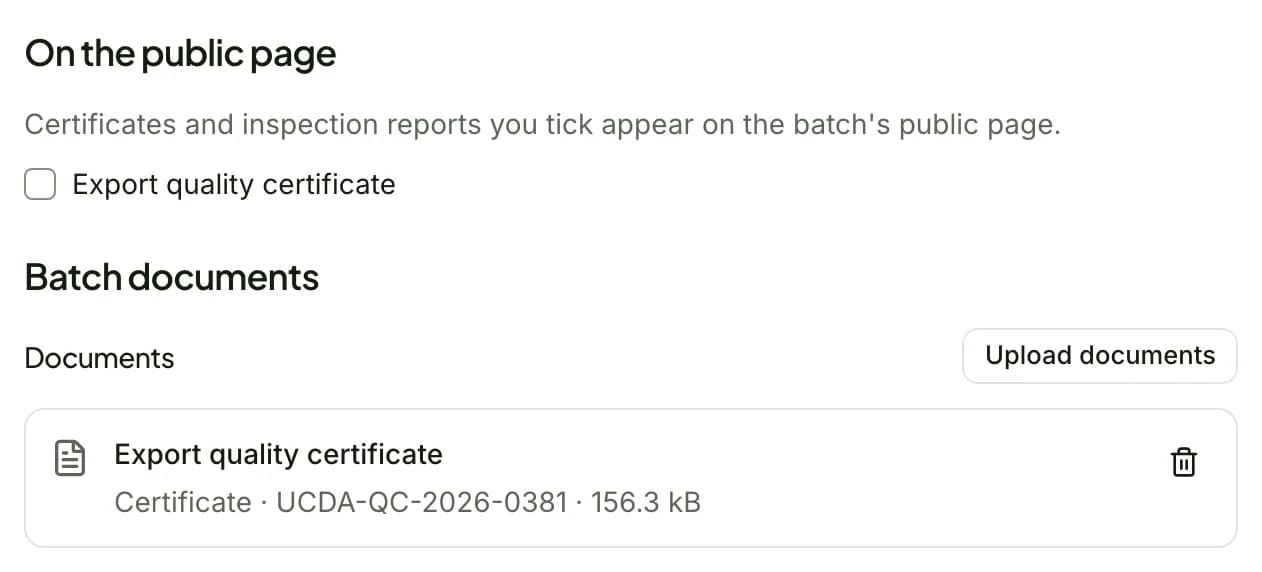
Show the certifications behind a batch, each backed by the certificate stored in Famunera.
- Certificates linked to the batches and shipments they cover
- Expiry dates tracked for every certificate
- The certificates you choose shown on the public trace page
How traceability works
Four steps from the first purchase to a trace page in your buyer's hands.
Register the batch
Create a batch from the purchases it is made of.
Record events
Log processing, sorting, packaging, inspections and storage as they happen.
Ship
Add the batch to a shipment with its documents.
Share the trace link
Send the link or print the QR label for your buyer.
Included in Starter and above
Try it free for 7 days, then keep it with a paid plan.